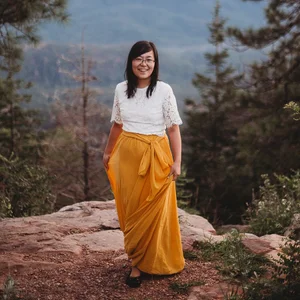

Photograph the Milky Way with Your Phone
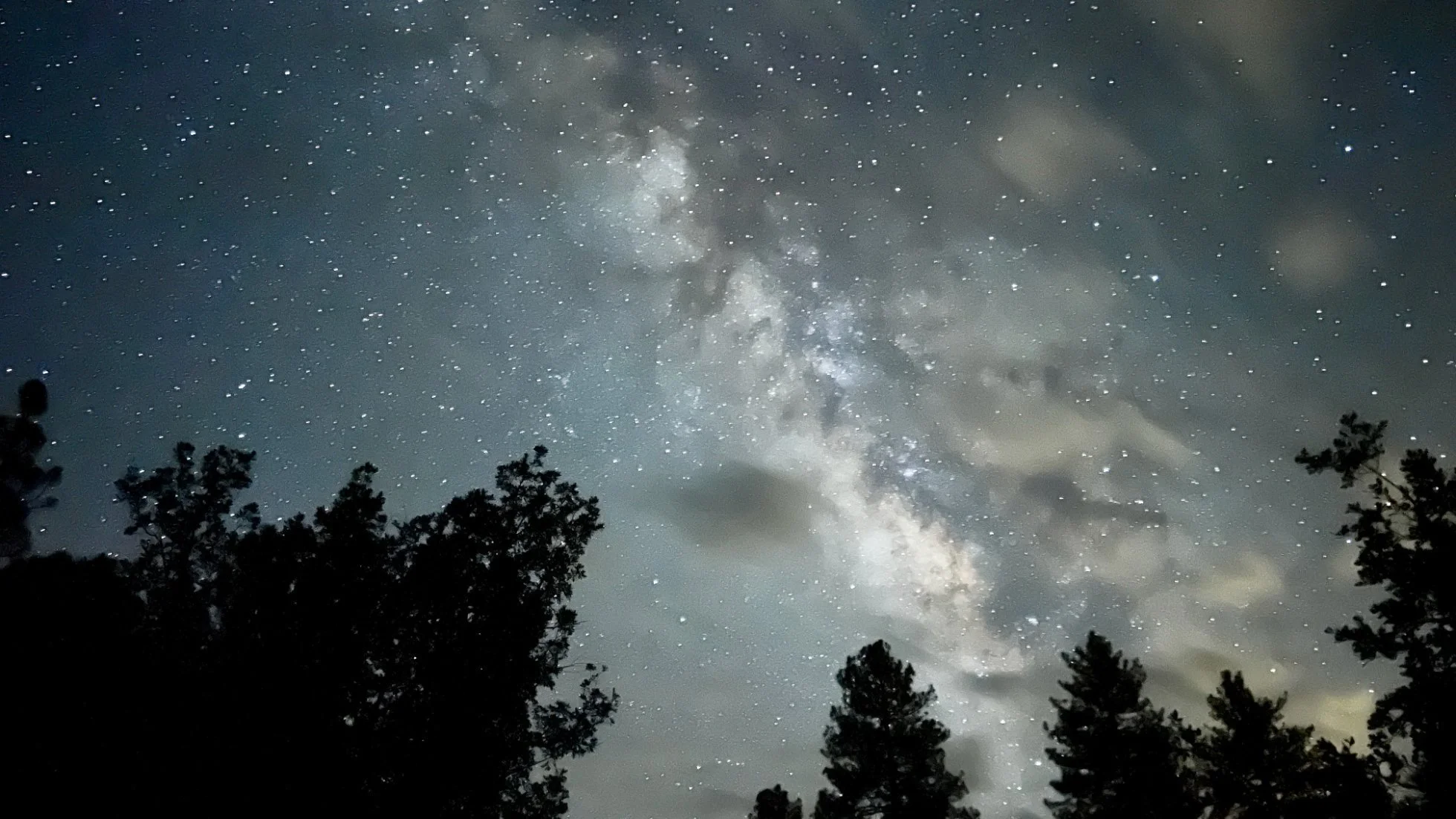
It is one of my favorite things to do when we are out in the wild--stargazing. I am not necessarily super into horoscopes and stuff like that, but I am always fascinated to see all the stars in the universe.
Of course, along with my fascination to see the stars with my eyes, I am also tempted to capture how I see the beauty of the actually-not-so-dark skies. I have used my big camera before to create really fun astrophotography images. However, now that my kids are going on more of these camping trips or stargazing activities at National Parks, I need to make sure that I am present with my family for the purpose of the trip as well as for real safety concerns.
Good news is that if you have an iphone, you are likely able to capture some decent images with it already. And here is how you do it.
(My phone model: Iphone 13 Pro)
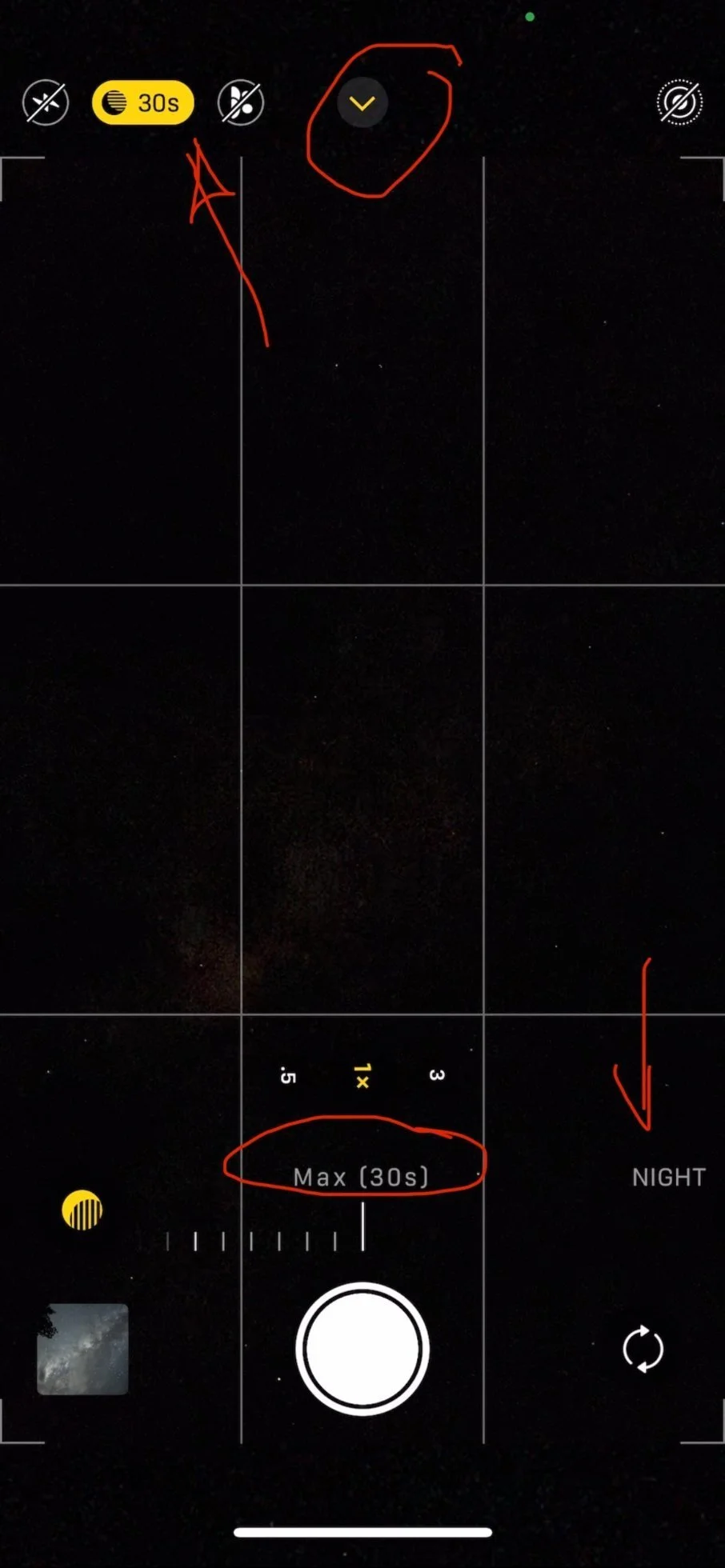
Set up your phone on a steady place--tripod preferred, or like me, a selfie stick that can be used as a tripod.
In photo mode, you should see long exposure enabled. Then click on the downward arrow to pull up the setting. You should be able to see now it shows "NIGHT" mode and the allowed exposure time goes up to 30s. Then you just take a photo, boom, done.
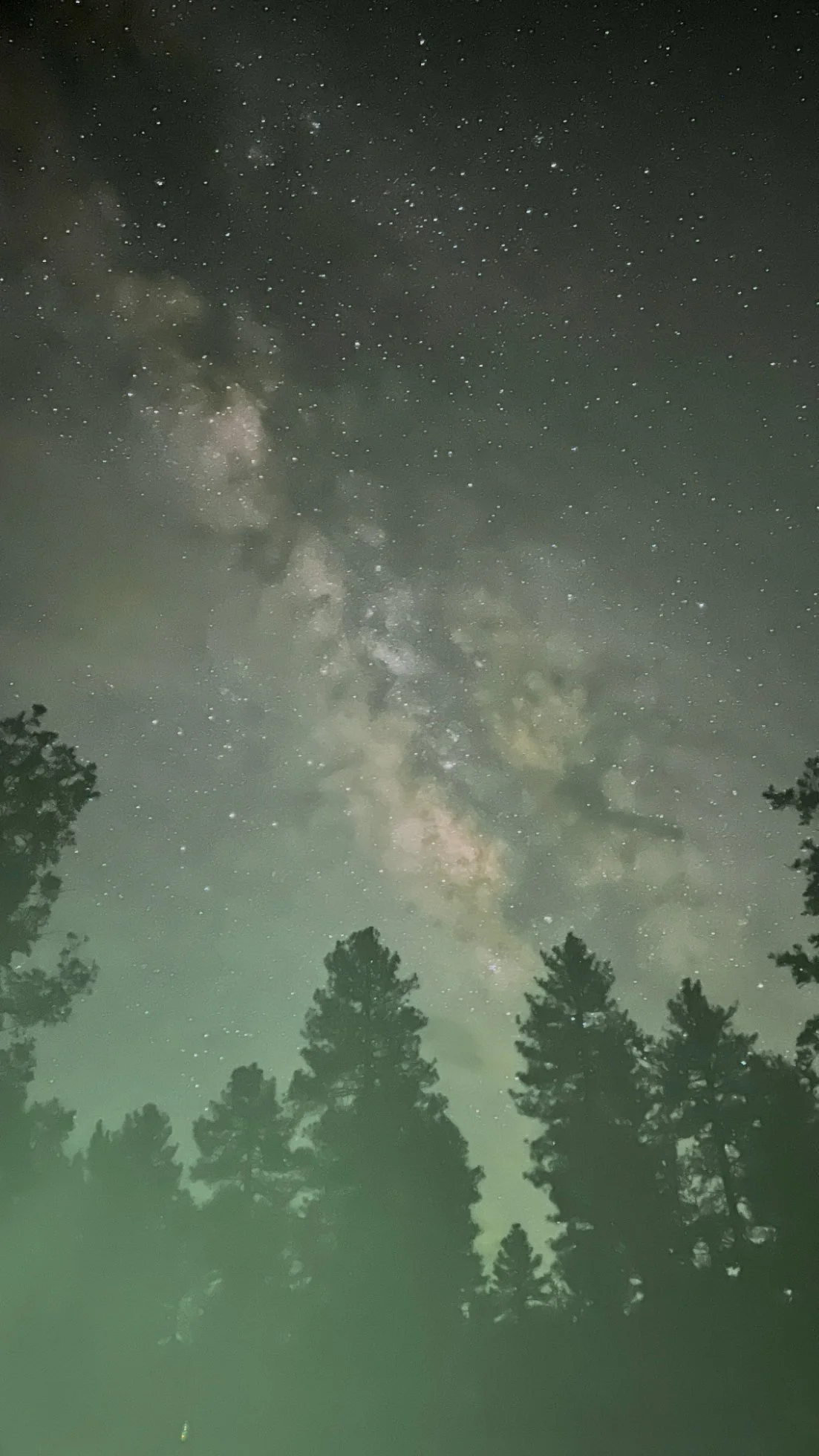
Now my selfie stick remote control was not working for me as I found out -- it has a green indication light that will be blinking if I use my remote. It created a green light leak. Lesson learned about using a new gear in the field without testing. I still like the feel of the image; however, it was not what I intended.
When I turned off my remote, I had to press the button on my screen, which made my phone move slightly. As a result it introduced movement/instability of the phone. When it sensed that the phone was not on a totally stable tripod, the max exposure time went down to 10s. As you can see in the video above, it happened a couple of times, switching back and forth between 10s and 30s. My hands were really dry from camping, so the screen was not as responsive as I wanted it to be. I then made sure to put some lotion -- or a quick lick lol-- solved that problem. If you could have a remote to release the button/take the photo, it would help a lot.
With that being said, 10s was still pretty good IMO. Less light went in so the over image is darker but it also has richer tones.
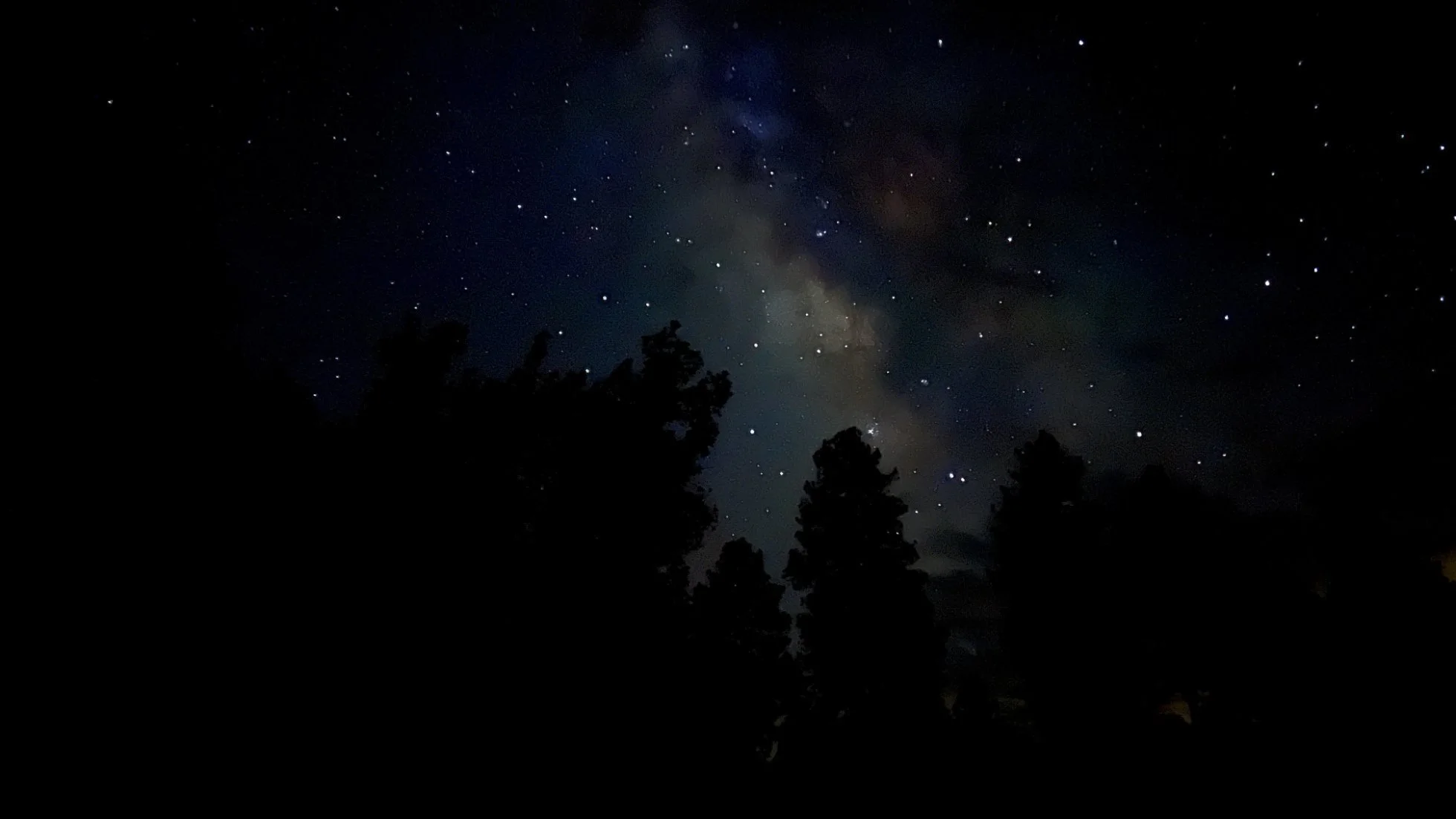
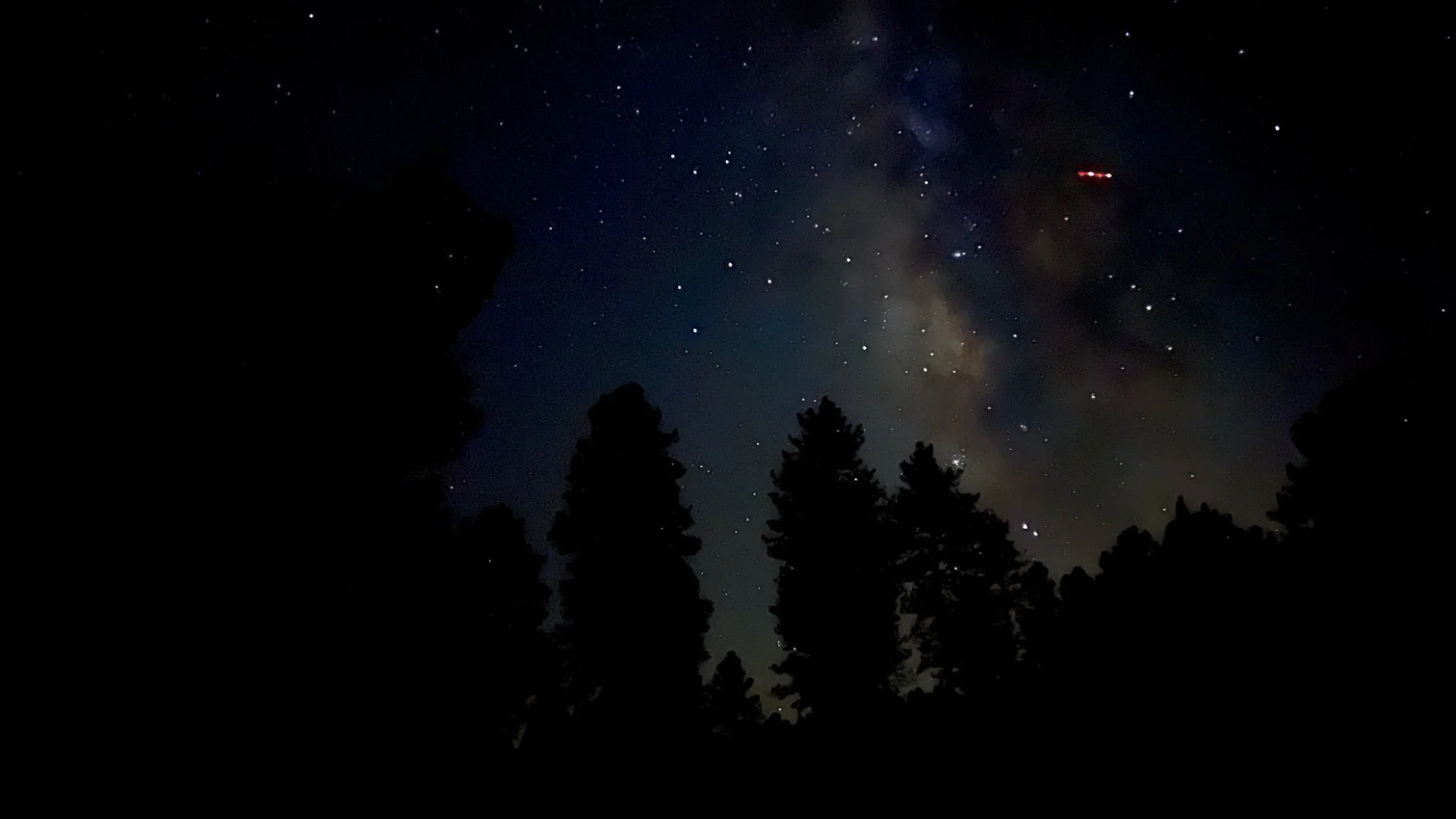
Of course, even at 10s exposure, whatever moving subject flying across the sky will leave a mark. You can see the plane in this image. We did see some shooting stars as well but I was not able to stay up late enough to see the metor shower that was supposed to be going on. It would have been cool if I could catch a shooting star.
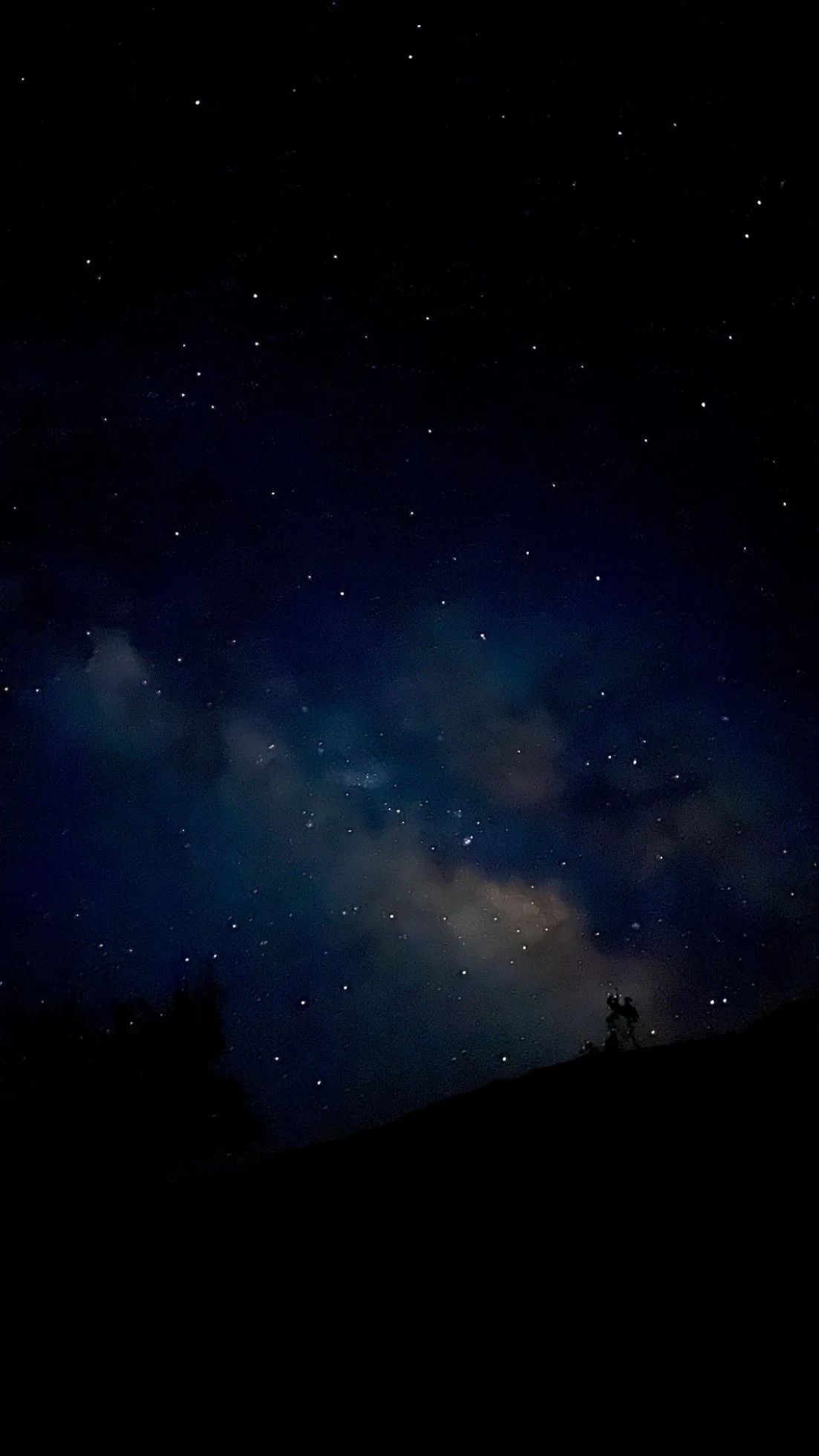
When I was on a road trip earlier this month to Canyonlands National Park, we stayed for stargazing. Where we were at was right by a cliff . My adventurous kids were climbing the boulders right by the edge when we first got there for sunset, which made me extremely anxious already. I made the decision to just focus on making sure that we arrived with 4 kids and we would leave with all 4 as well. I didn't set up anything and didn't even bring my selfie stick out of the car. I still wanted to try and get some photos so I just propped my phone against a rock on the ground and held my phone as still as possible for 10s. It was still cool to get an image with the Milky Way.
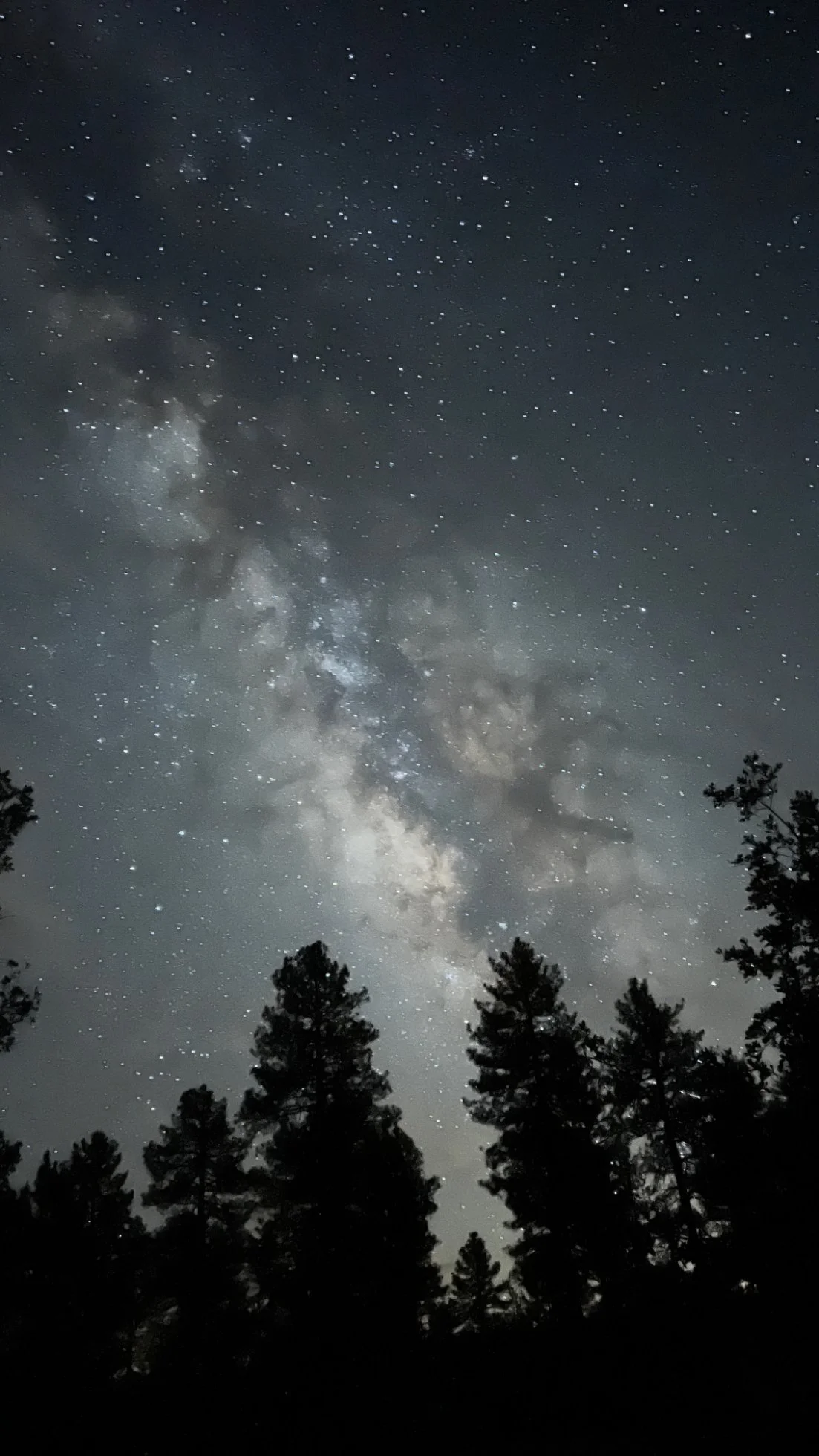
A quick tip on composition:
A phone is a phone. There is no way that it can produce the same level of image you could get with a professional big camera and lens. WIth that in mind, I tend to let go of the idea of photographing just the Milky Way without any references to the earthly environment. I like the silhouette so I try to include trees or other elements in the frame as well. When you can see the Milky Way with your eyes clearly, you can plan the composition in advance as well.
Lastly, make sure that you have a red light headlamp instead of a white light. Check all the other settings for your camera before sundown to avoid having to pull up the bright screen at night.
I usually just use the auto-edit on my iPhone and call it good. You could of course, pull the images into LR Mobile to tweak them more if you want.
Happy Star Chasing and Photographing with just your phone
PS. If you have an Android phone, you probably have some sort of night mode as well. A quick Google search can probably help you figure out how to enable/turn on the night mode on your Android phone.